Get Started
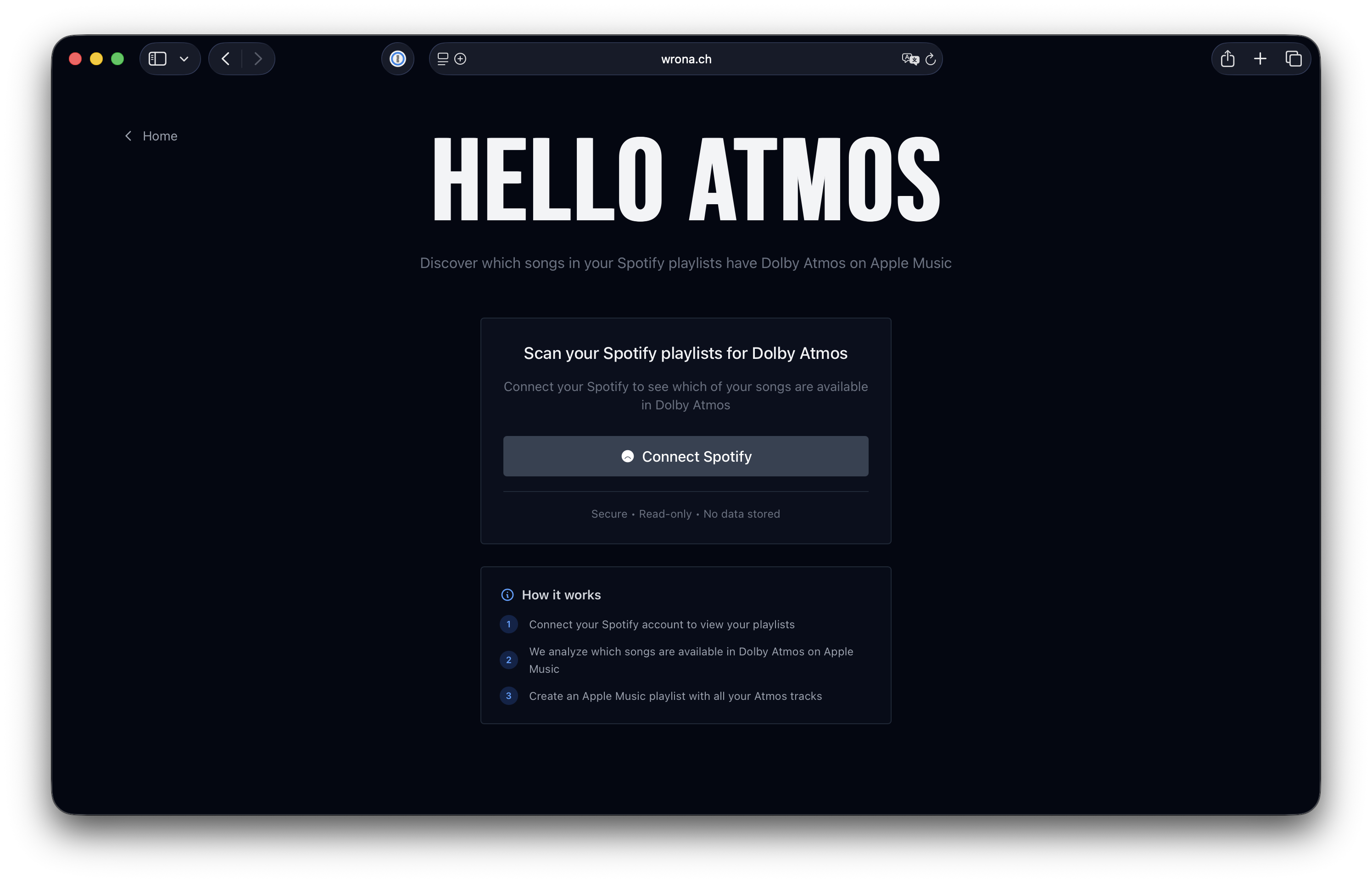
Launch Hello Atmos and connect your Spotify account to begin.
Technical Details
The app uses Spotify's OAuth 2.0 authentication to securely access your playlists with read-only permissions. No passwords are stored, and you can revoke access anytime from your Spotify account settings.
Frequently Asked Questions
Is my data safe?
Yes. We only request read-only access to your Spotify playlists and don't store any personal data on our servers. All authentication is handled securely through official Spotify and Apple Music OAuth 2.0 flows. Analysis results are cached locally in your browser's storage.
Do I need both Spotify and Apple Music subscriptions?
You need a Spotify account (free or premium) to view and analyze your playlists. An Apple Music subscription is only required if you want to create playlists and listen to the discovered Atmos tracks. You can still see the analysis results without Apple Music.
How accurate is the Dolby Atmos detection?
We search Apple Music's catalog directly using their API, which provides official Atmos availability data. Accuracy depends on how well we can match tracks between the two services. Some tracks may have different spellings, release versions, or regional availability, which can affect matching. The app shows match confidence to help you identify potential mismatches.
Why are some tracks not found?
Some tracks may not be available on Apple Music, have different metadata between services, or exist as different versions (e.g., remastered, deluxe editions). Regional licensing can also affect availability. The app does its best to match using artist name and track title, but exact matches aren't always possible.
Can I analyze multiple playlists?
Yes! You can analyze as many playlists as you want. Results are cached in your browser to make repeat analyses instant. You can clear the cache from the settings menu if needed.
How long does analysis take?
Analysis time depends on playlist size and Apple Music API response times. Each track requires a search query, so larger playlists take longer. First-time analysis of a playlist is slower, but subsequent checks are instant thanks to caching. A typical 50-song playlist takes about 1-2 minutes.